Remote Desktop Access - VNC
Remote Desktop Access - VNC
Access and control a device remotely for advanced troubleshooting (one device at a time).
- Requirements: The device must be online on Nubis platform to access it remotely.
- Feature Introduction: The VNC allows users to remotely control the device's desktop. No additional software installation is needed—you can manage the device directly through Nubis.
- Steps:
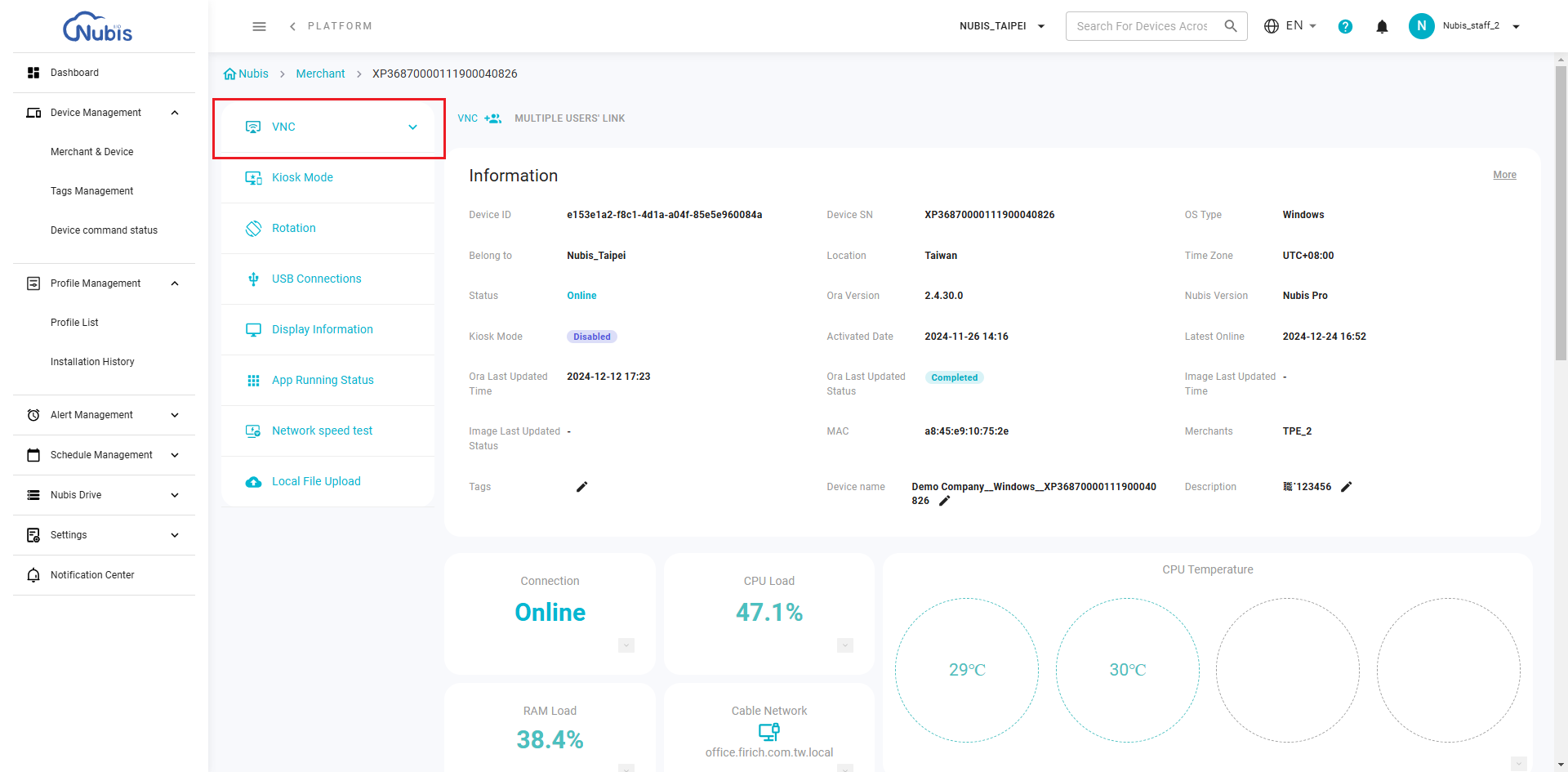
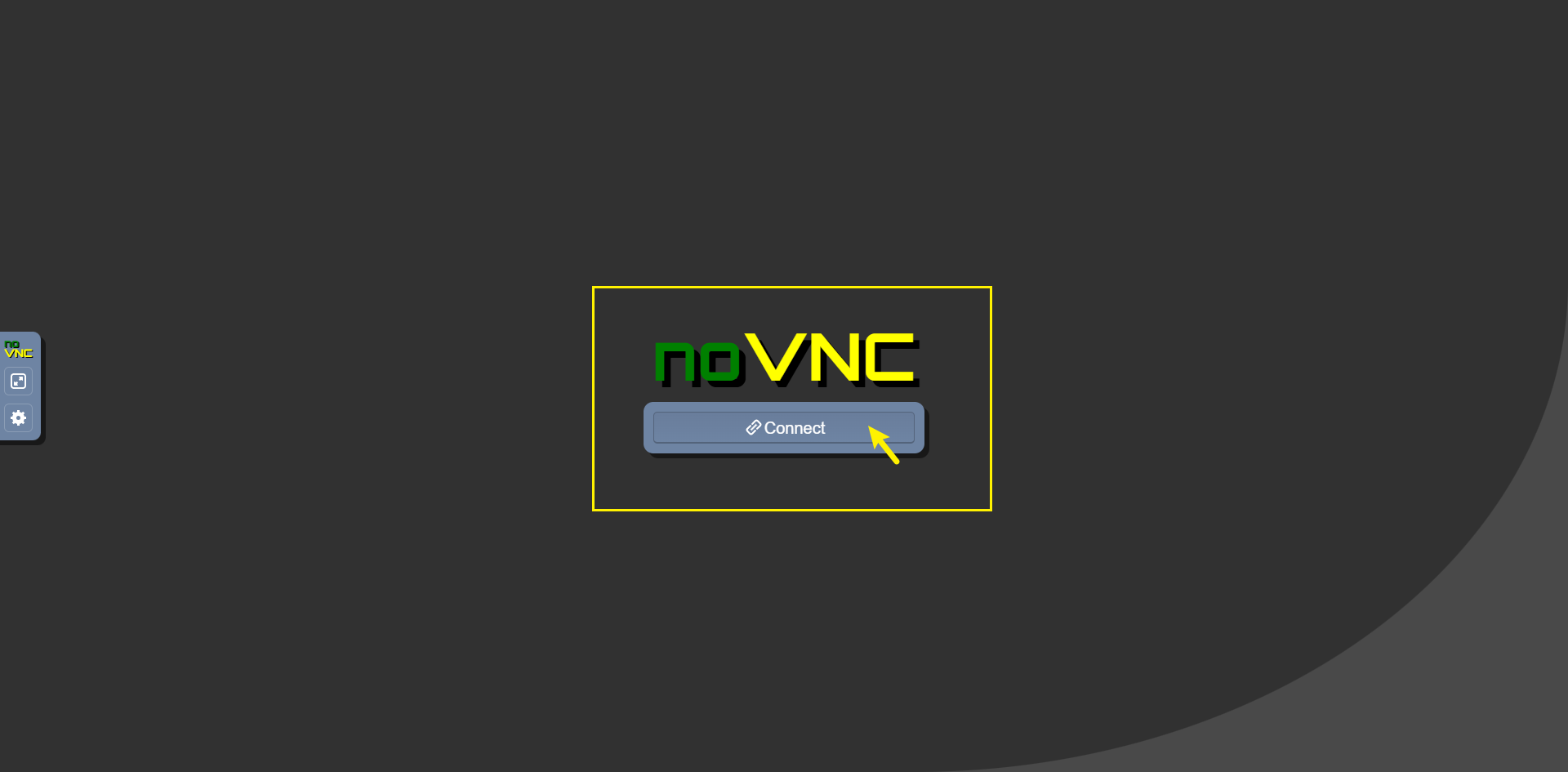
- Click the VNC button and wait about 15 seconds for the device to connect. It will then redirect you to a new page in your browser, where you can start using the remote control function directly.
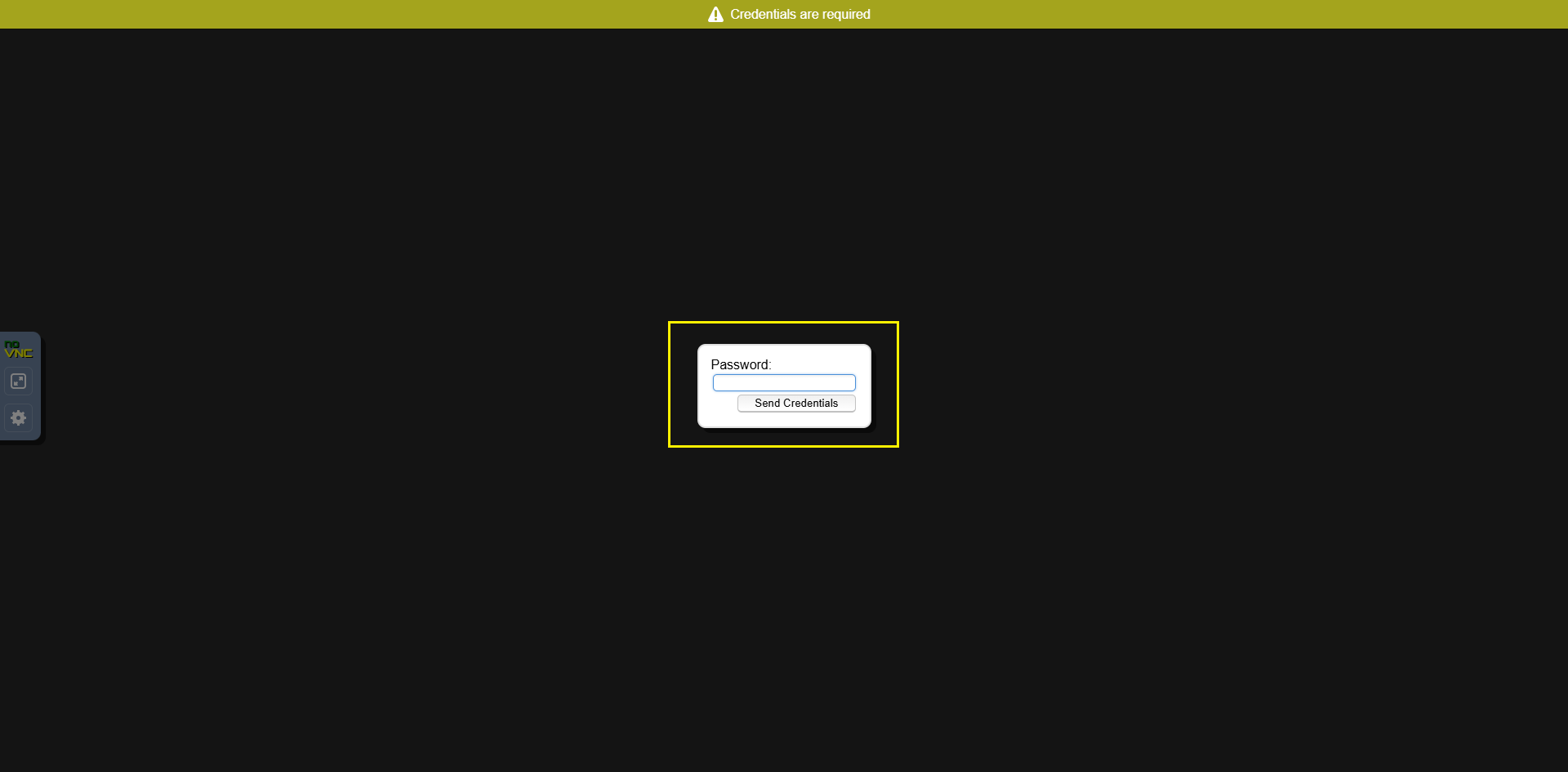
- When Nubis connects to the device, type the VNC password. Please contact Nubis sales to get the default password.
- Note: If your browser's default settings block popup windows, please click the icon to allow this permission for the first time.
- After accessing the device screen, users can remotely operate the device through Nubis.

- Click the VNC button and wait about 15 seconds for the device to connect. It will then redirect you to a new page in your browser, where you can start using the remote control function directly.
Related Articles
VNC (Remote Desktop Access)
Overview Navigate to Device Management > Merchant & Device, then click the serial number of the desired device. You will be redirected to the Device Detail Page. Refer to the Single Command Bar located on the left side of the page. This article will ...Remote Desktop(VNC)
Access and control a device remotely for advanced troubleshooting (one device at a time). Requirements: The device must be online on Nubis platform to access it remotely. Feature Introduction: The VNC allows users to remotely control the device's ...Use Commands/Settings for Troubleshooting
Overview Nubis offers powerful remote tools for effective device management and troubleshooting. This guide will assist you in understanding and utilizing Nubis commands and settings to address and resolve device issues. How to Access Commands and ...Introduction to Device Detail
Overview To access the Device Details Page, navigate to "Device Management > Merchant & Device", and click on the specific device's serial number. Device Detail page provides comprehensive information about individual devices, organized into three ...Device Command - for Muti-Devices
Nubis offers multiple ways to manage single or multiple devices effectively: 1. One-off control via Device Detail Go to the Introduction to Device Detail article for more information. 2. Multiple devices control via Device Command Navigate to ...