Android: Cannot enable Ora Accessibility, "Restricted Settings" Error
Symptoms
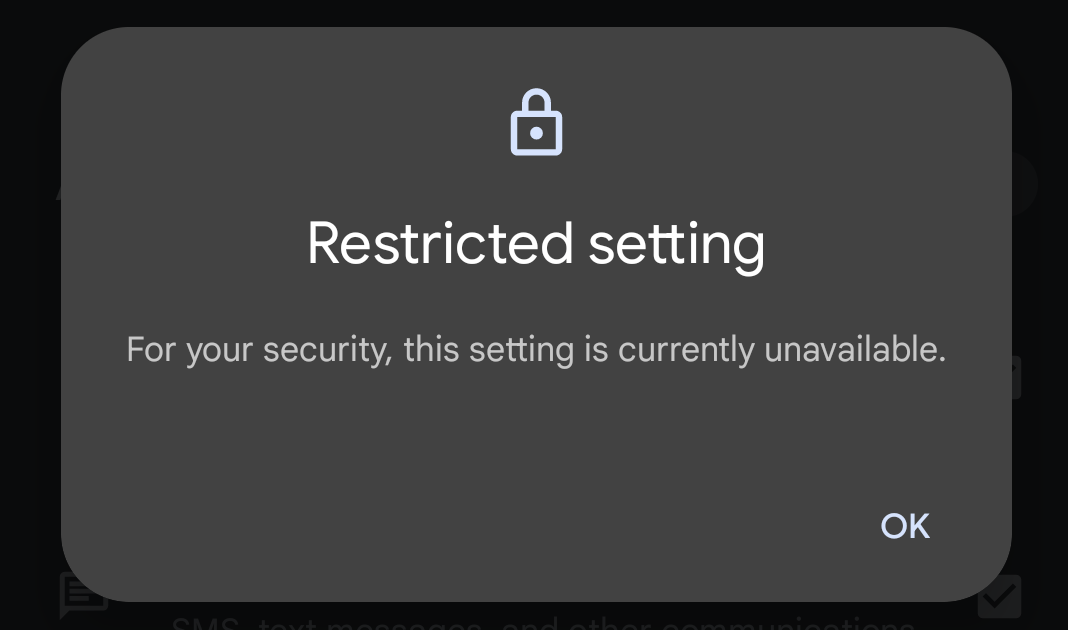
In Accessibility, the Ora permission is off and the toggle is greyed out. Tapping it shows: “Restricted setting ; For security reasons, this setting is currently unavailable.”
Cause
- Android 13+ security policy disables Accessibility for sideloaded apps (not installed via an app store). This can be lifted manually.
Resolution
- Open Ora’s App info: Settings > Apps > Ora (or long‑press the Ora icon on the home screen > App info).
Tap on the three-dot icon in the top-right corner
> “Allow restricted setting”.
- Return to Settings > Accessibility > Ora and enable the permission.
Related Articles
How do I remove Ora?
Windows Run the Ora uninstaller: File Explorer (GUI): Enable Show hidden files and folders. Navigate to C:\ProgramData\OraService\Uninstall.exe and run it. Command Prompt: C:\ProgramData\OraService\Uninstall.exe Manually delete the database file: ...
What could I do if I cannot log in to the Nubis website or encounter an error?
Please clear your browser cookies and refresh the webpage. This should resolve most login or error issues.
How can I do if Windows Firewall blocks Ora?
? Nubis Firewall Requirements It’s likely that your devices are protected by a firewall. To ensure proper communication with Nubis, please make sure the following URLs and ports are allowed. If you’re configuring your firewall for Nubis for the ...
How do I update Ora (the app installed on devices for Nubis)?
Users can update Ora using one of the following methods: On the device, click the "Update" button in the Ora UI located at the bottom right corner of the screen. In the Nubis website, navigate to the "Device Management >Merchant & Device" page, ...
What is Nubis?
Nubis is a Unified Endpoint Management (UEM) solution designed for commercial devices. It leverages the Ora software installed on devices to enable remote management, monitoring, and maintenance of all IoT devices via the Nubis platform. This ...